Loading…
Please wait while this public page is prepared.
Please wait while this public page is prepared.
Find practical instructions, honest feature status, and the next right step for owners, managers, receptionists, technicians, and clients.
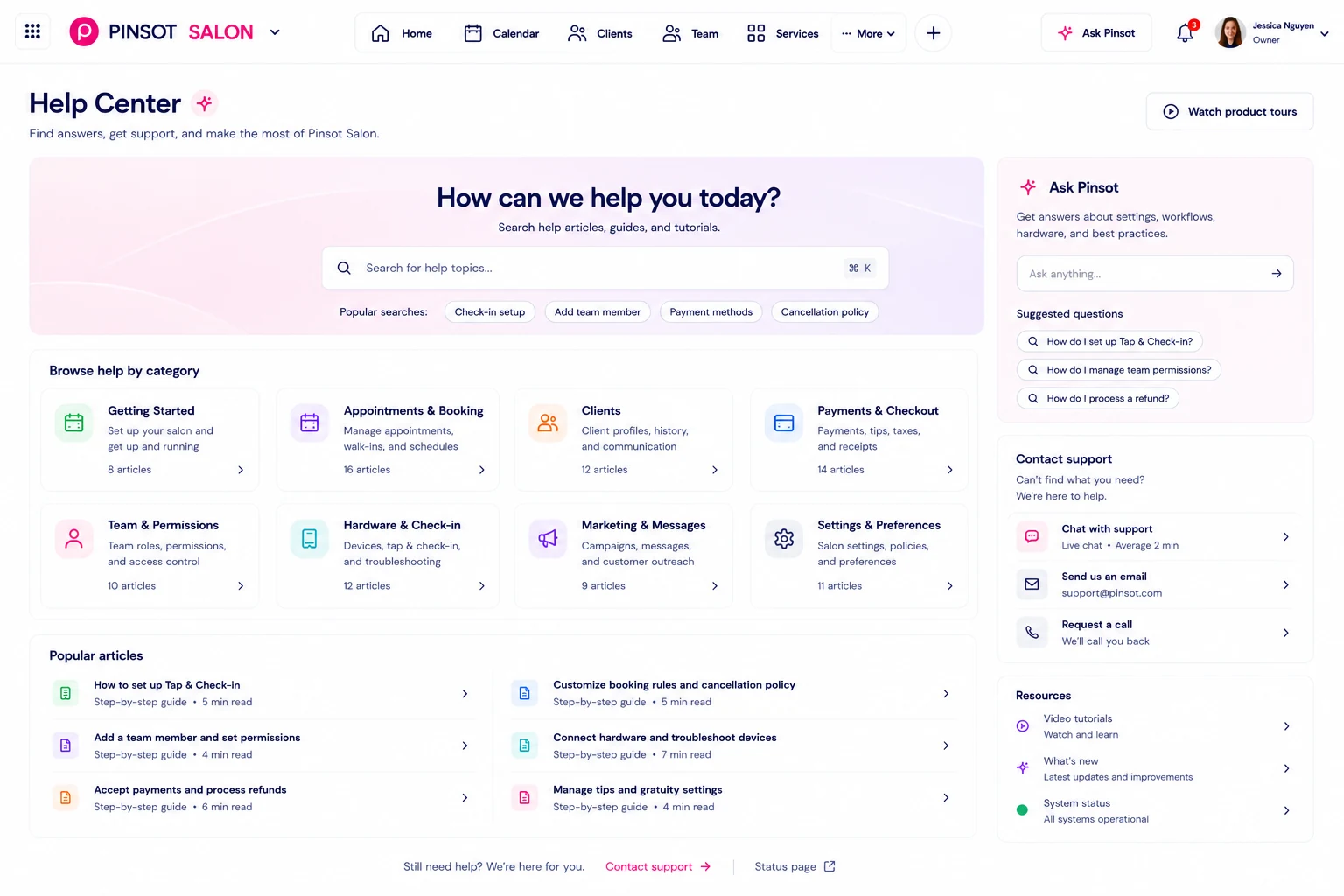
29 categories with complete English and Vietnamese guidance.
Create access and learn the Pinsot basics.
5 articlesSign in, sessions, and account recovery.
3 articlesPrepare your salon workspace for the team.
8 articlesOrganize settings and access by location.
1 articleGive each person only the access they need.
6 articlesSet up technicians, skills, and availability.
6 articlesBuild a clear, bookable service menu.
2 articlesBook, update, and complete scheduled visits.
9 articlesKeep unscheduled demand visible and organized.
9 articlesUse explainable, owner-reviewed turn workflows.
16 articlesMaintain useful, privacy-aware client records.
10 articlesReview tickets and close visits accurately.
19 articlesRecord payment outcomes and tip allocations.
2 articlesUnderstand estimates and review responsibilities.
1 articleRead operational reports with the right context.
10 articlesTrack availability for retention programs.
1 articleUnderstand the current gift-card boundary.
1 articleKeep product counts and restocking needs visible.
1 articleConfigure consent-aware client communication.
1 articlePrepare bookable services and availability.
8 articlesReview the salon day and items needing attention.
6 articlesRun front-desk and floor operations.
1 articleSee assigned work and relevant client context.
9 articlesGuide clients through booking and nail history.
7 articlesProtect accounts and handle data requests.
2 articlesReview plan access and route billing questions.
1 articleResolve common access and connection problems.
2 articlesSend a useful, privacy-safe support request.
1 articleConfigure and review governed calls, messages, booking proposals, handoffs, and provider state.
12 articlesAccept an authorized invitation and secure your new account.
Getting startedSign in again safely after Pinsot ends an inactive or invalid session.
Account and loginCreate the operational foundation before inviting the full team.
Salon setupCreate a location with the right hours, time zone, and access boundary.
LocationsInvite a person with the narrowest appropriate role and location access.
Team members and permissionsMatch Pinsot access to real responsibilities without exposing unnecessary data.
Team members and permissions